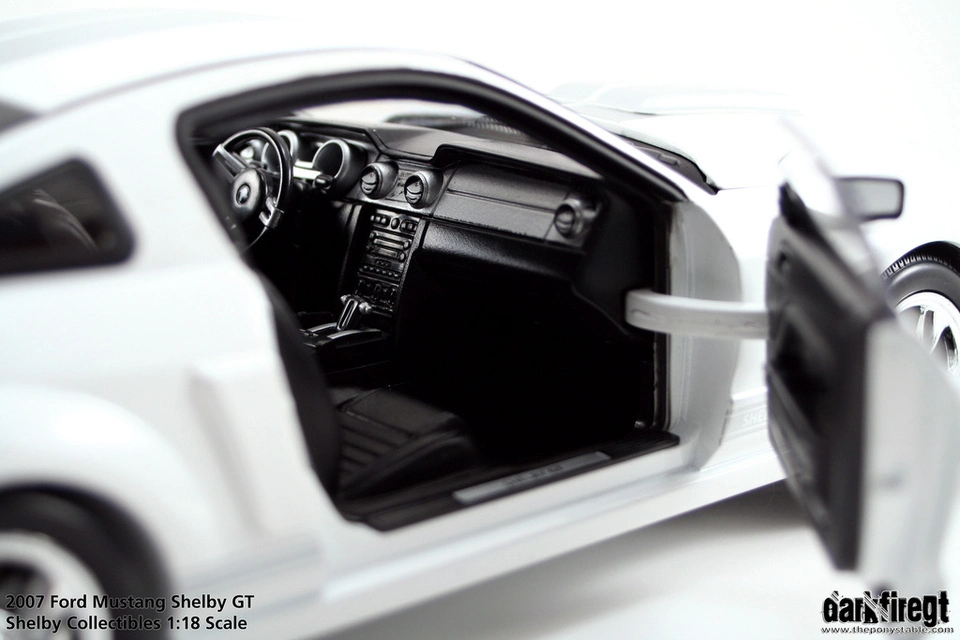
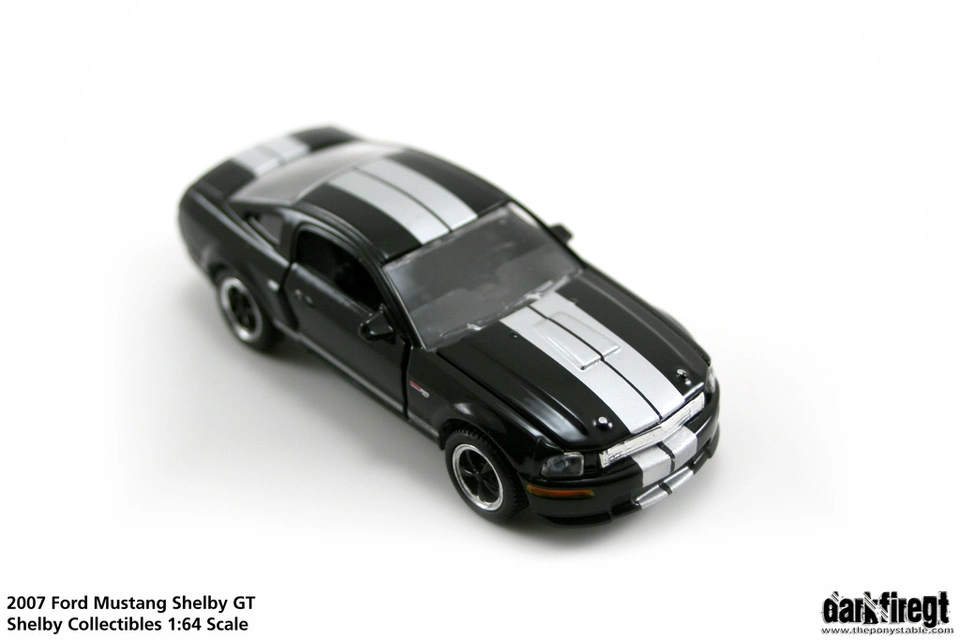
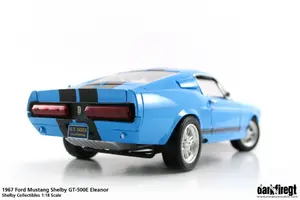
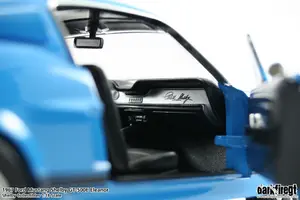
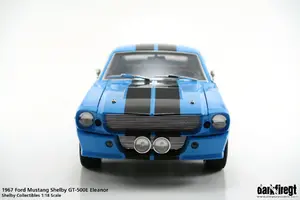
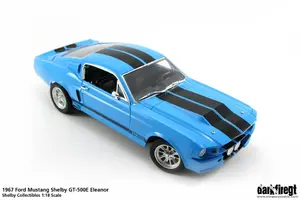
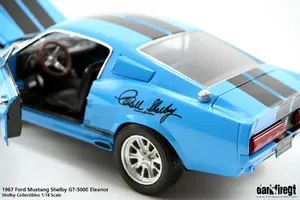
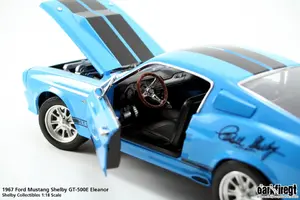
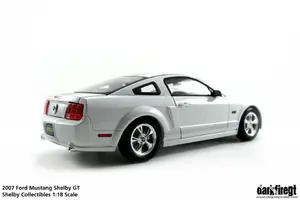
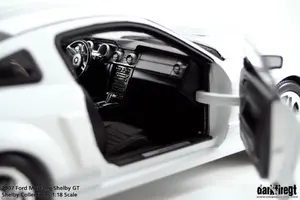
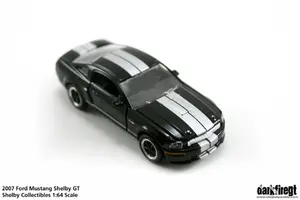
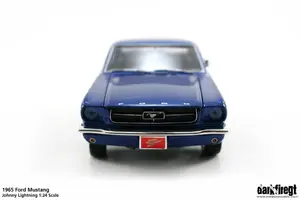
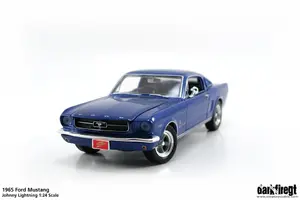
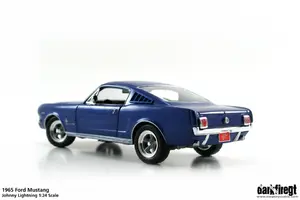
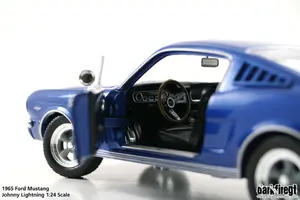
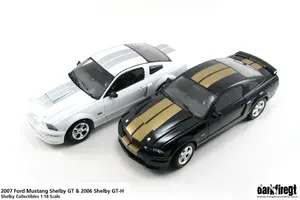
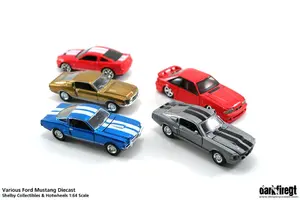
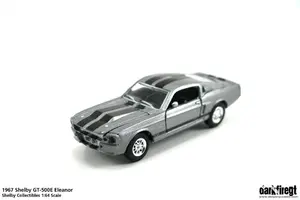
There's more to come. I have to run to the store to get some more supplies, but here's a few I've taken this morning. I got my Blue GT500E in. It will be coming out of the box. Stay tuned.
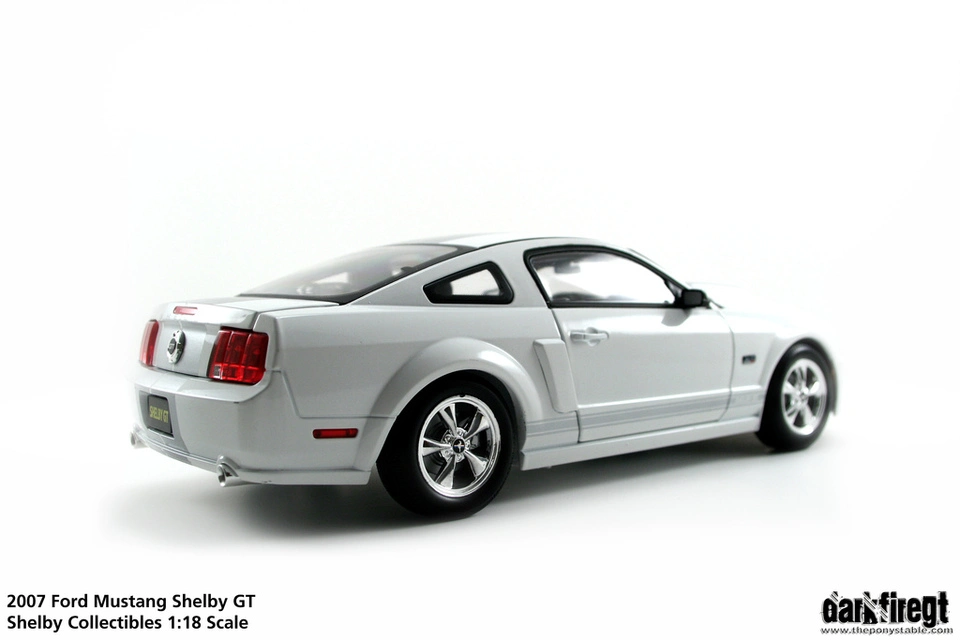
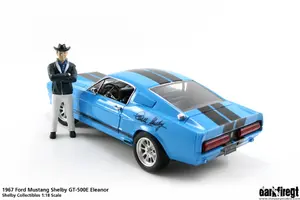
Ok. Made a few modifications to the light box to get better light and have less post-processing work to do. It worked very well. Narrowed my photoshoot down to 12 favorites, lol. Also put my Carroll Shelby 1:18 figure from GMP in some of the pics. More photos to come later tonight and tomorrow...
Oh, and it appears the signature is printed. I figured as much, for the price. But it's still a great color, and this one seems to have more detail and better quality features than the other 1:18's I have from CS Collectibles.
On your original post about the GT500E, I wasn't aware it was 1:18. I was thinking it was 1:24. That makes it a better price yet Are you using macro with manual focus to blur the remaining picture?
Thanks guys. These shots were all with my Sigma 18-50mm. They were taken with an aperture of about 7.1. I have a bit of dust in my cam, and any aperture (physcially) smaller than 9 starts to show the dust. I made a few changes to my lightbox, and I think it helped a lot. I'll take a picture of my setup today.
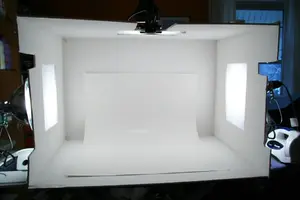
Ok, so here's a shot of my lightbox setup. Don't mind the ironing board. Just temporary. Basically, I've got 5 pieces of whiteboard from the craftstore. I've got 1 desk clamp light and 2 spot lights, all using 60 watt full spectrum bulbs. Initially, that's all I had, and I had the lights clamped to the side, pointing up, and reflecting the light down. (thus, the cut outs on the sides) The light was inconsistent, so I made a cutout on each end, and one on top, and put my lights outside. This works much better. I put tracing paper over the holes to diffuse the light, though thin printer paper, tissue paper, or a sheet works, too. Then I was tired of seeing the seam on the back, and also having the contrast between the floor and wall, so I bought a piece of poster board. I only went to K-Mart, and they just had white, but I plan on buying a few different colors, inlcuding black. One more tip, stay out of the auto mode. Go down to the aperture priority mode. Set your aperture, and the camera will automatically select the speed (though, I've been bumping the exposure up a few notches to get a more true white color and better exposure on the object.. just experiment). Also, make sure you do a customer white balance. Just click a picture of the white background. Then go to white balance and change to custom. Go down to custom white balance, and select your picture you just took. That'll give you the best color. Finally, make sure all lights are using the same bulbs, unless you're going to cast some color in there. Otherwise, the shot won't come out well.
Thanks. Haven't updated with any of these photos, but I will be shortly. I'm going to make an art gallery section. Right now it's all on my flickr site. http://www.flickr.com/photos/darkfiregt I also may make a wallpaper section, where you can download some of my favorite wallpapers I've made.